Logo and badge design
Circle Text Generator: Make Text Around a Circle
Circle text is one of the most useful curved text formats. It works for round logos, badges, stickers, labels, seals, product marks, and event graphics. The trick is not just putting text on a circle. The trick is keeping it readable.
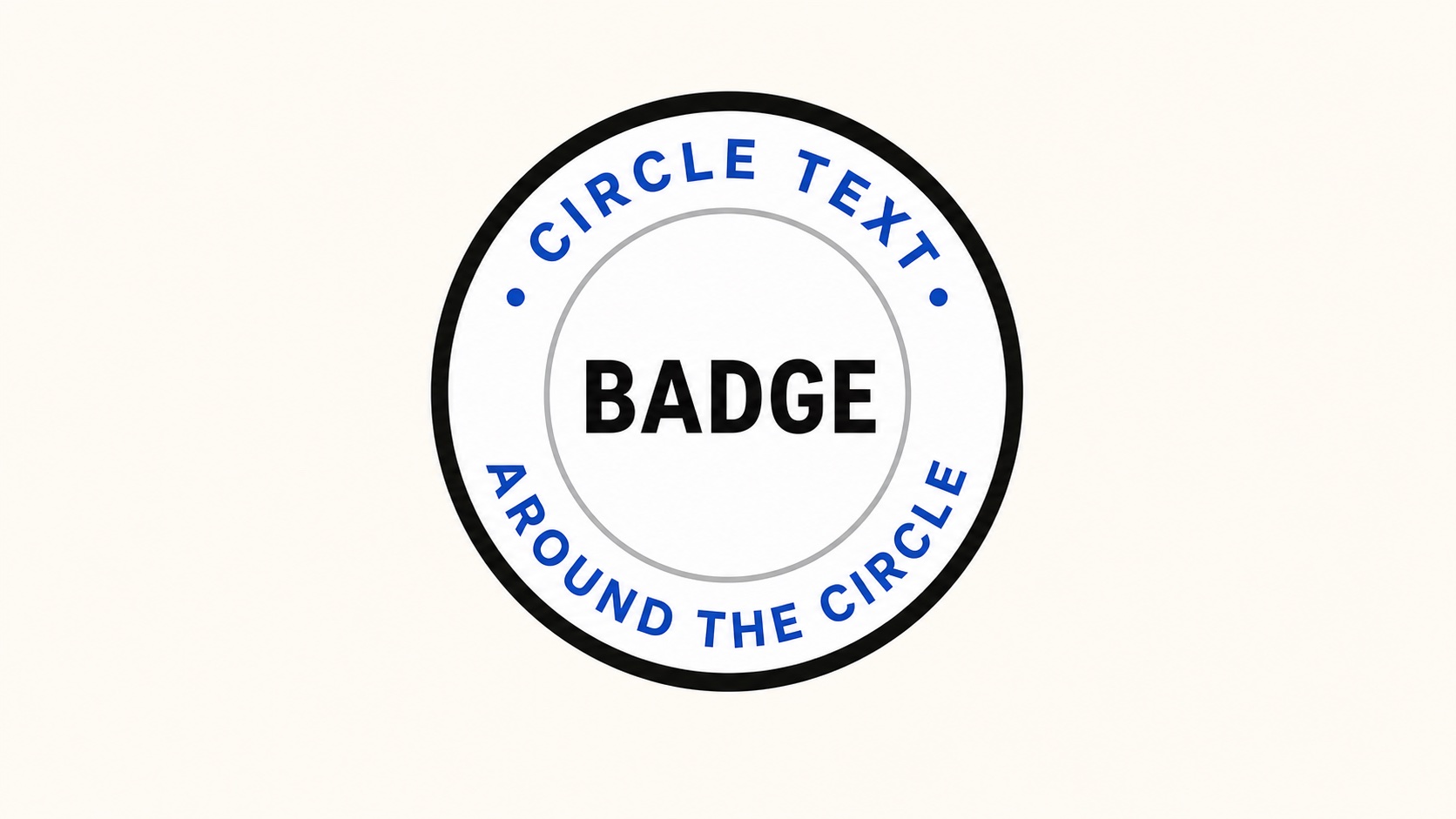
Top and bottom circular text can frame a short center word, icon, or logo.
When to use circle text
Circle text is strongest when the design already has a round structure. It can frame a logo, wrap around an icon, label a sticker, or make a simple product mark feel finished.
- Round logos and maker marks
- Stickers, labels, and packaging seals
- Club badges, event badges, and team marks
- Digital stamps and certification marks
Use two lines for readable badges
A common mistake is forcing one long phrase around the entire circle. That makes the bottom half upside down and difficult to read. For badges, use one text layer on the top arc and another on the bottom arc.
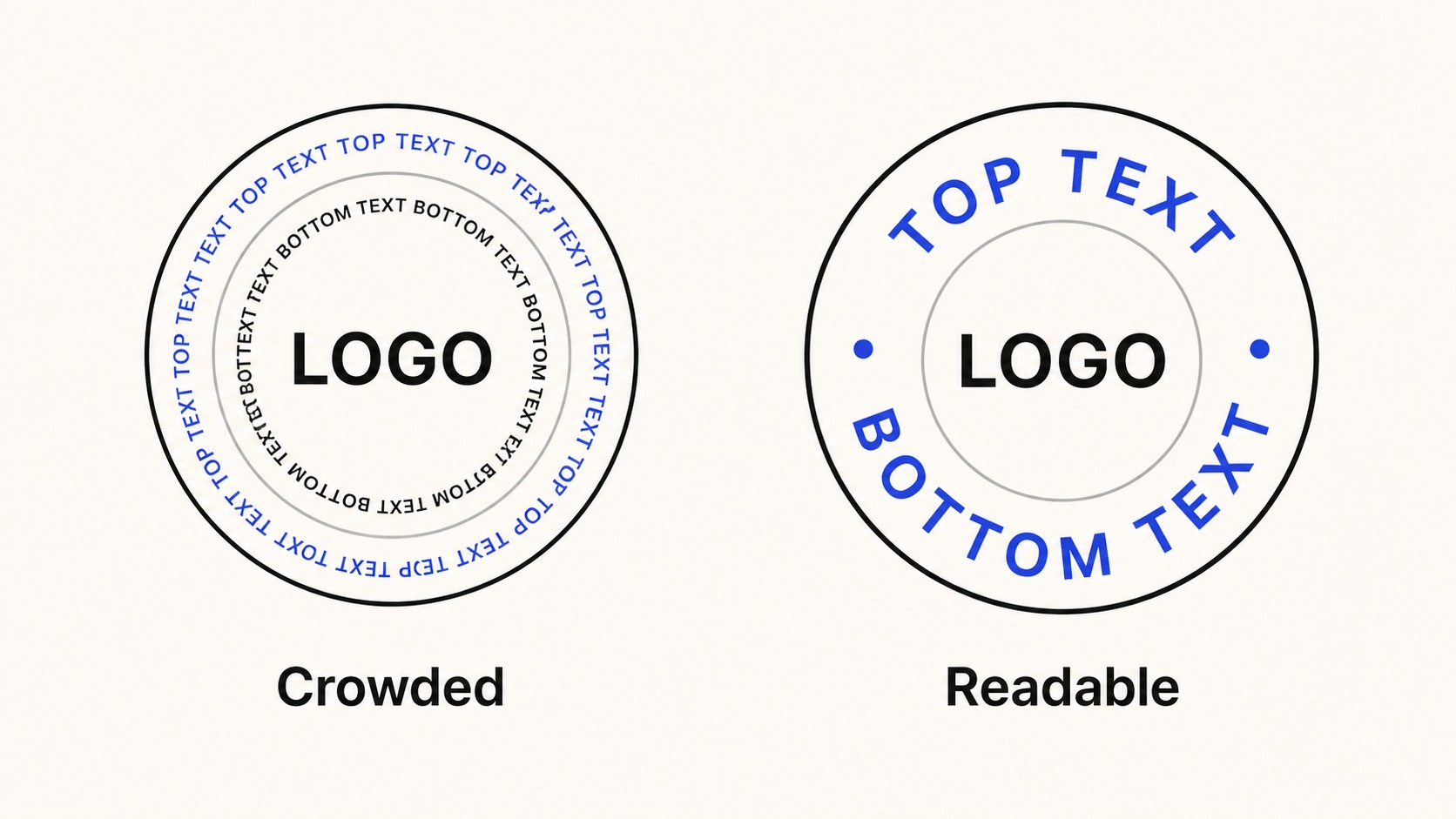
Split top and bottom text when the badge needs to be read quickly.
Choose fonts that survive the curve
Bold sans serif fonts are the safest choice for circular text. Thin scripts and very narrow fonts can look elegant on a straight line, but become fragile when letters rotate around a circle.
If the design is for a sticker or cutting machine, avoid very thin strokes. If the design is a logo mark, keep the text short enough that it still reads at small sizes.
Export with a transparent background
Most circle text designs are meant to sit on top of another background. Use a transparent canvas and export the badge as SVG or PNG. SVG keeps the artwork editable. PNG is useful for dropping into a layout when the design is already final.
For round stickers and labels, start with a square canvas. It keeps the circle centered and makes the export easier to place in other software.
Circle text checklist
- Use a square canvas.
- Keep top text and bottom text separate when possible.
- Use bold, readable fonts.
- Increase spacing for uppercase text.
- Export SVG for editing or PNG for final placement.