Guides
Make better curved text, then export it cleanly.
Practical tutorials for creating curved lettering, circle text, badges, stickers, and SVG assets that can move into the design tools you already use.
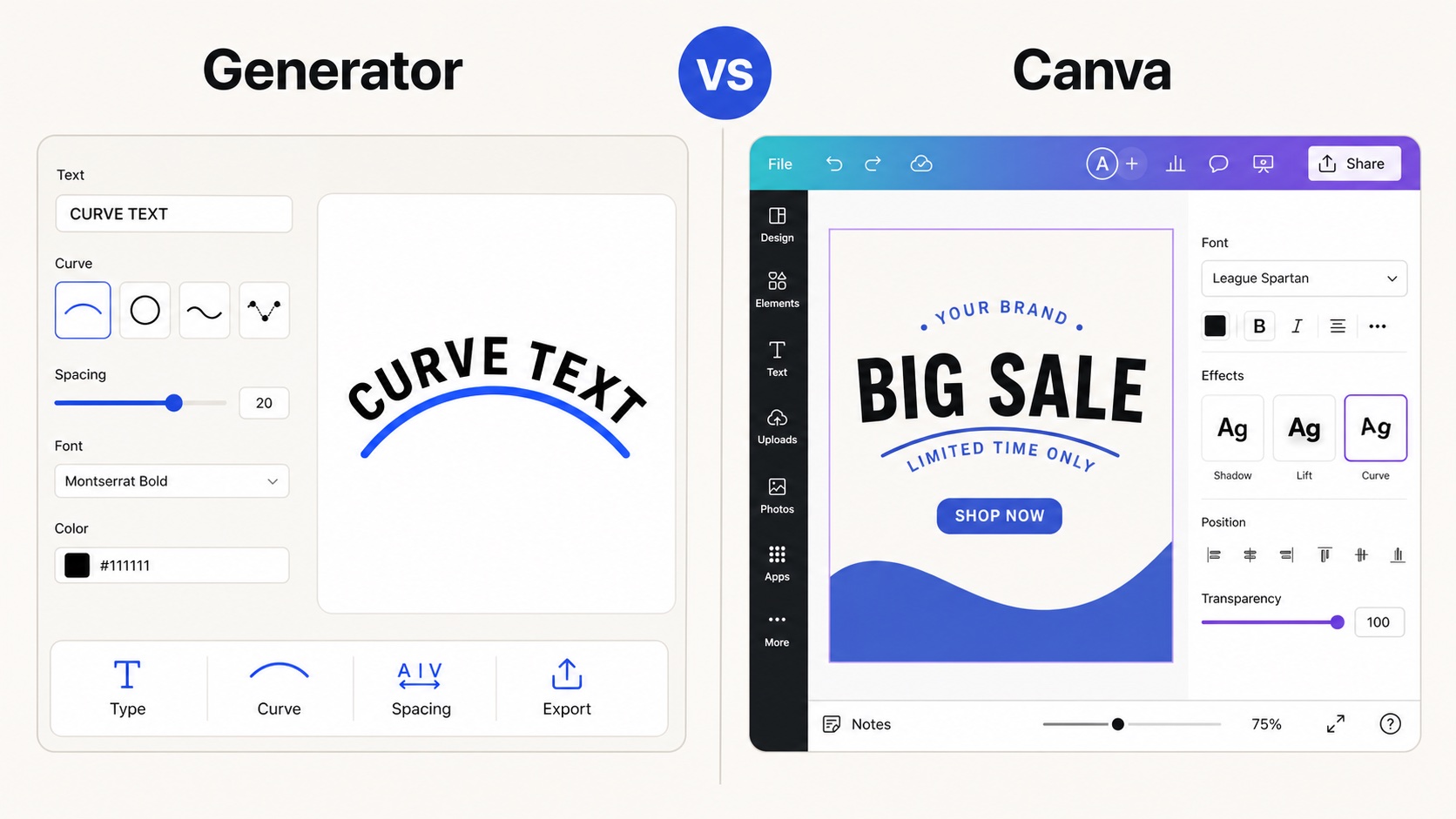
Curve Text Generator vs Canva: Which Should You Use?
Compare Canva curved text with a focused SVG and PNG export workflow for reusable curved lettering.
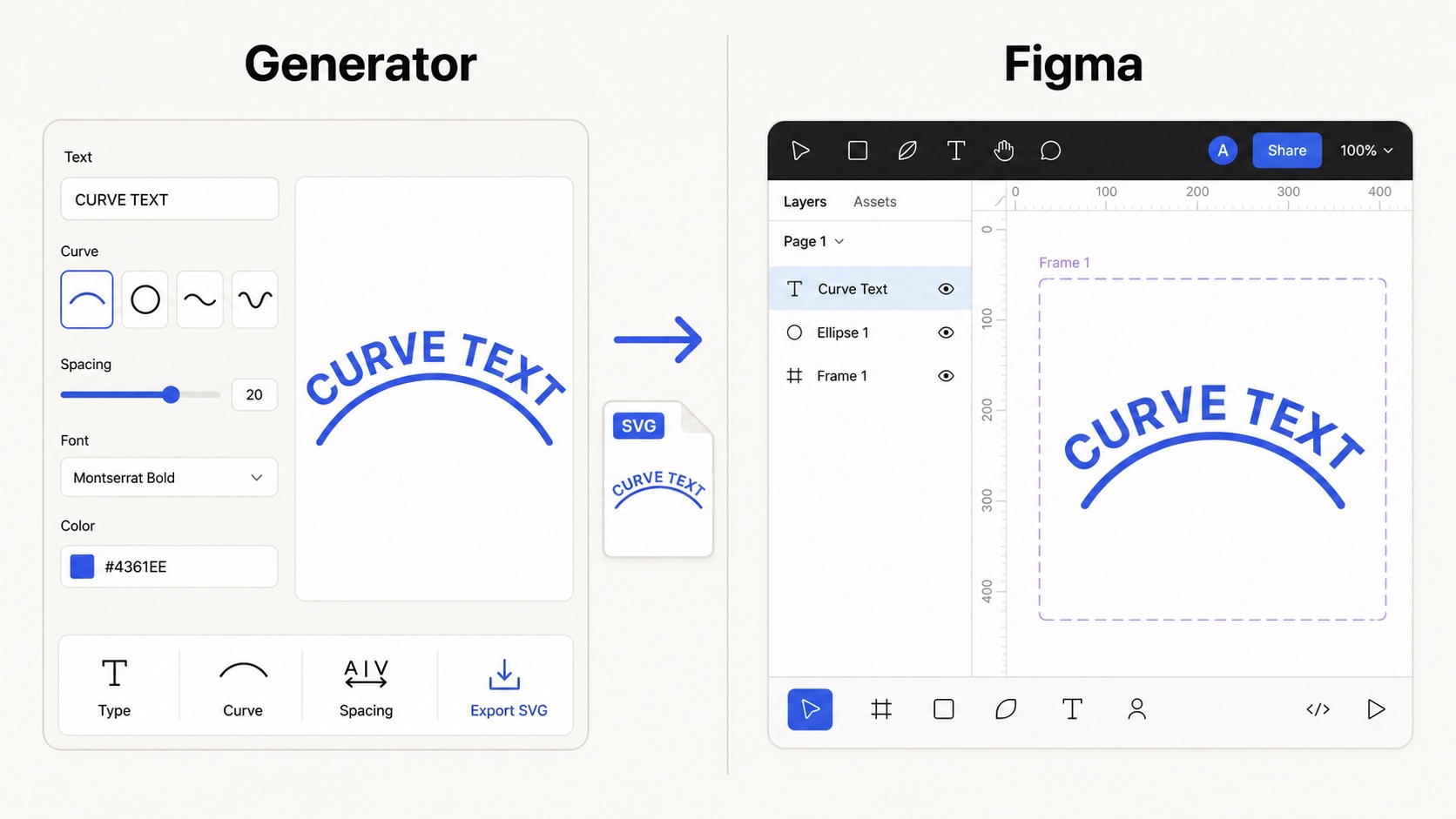
Curve Text Generator vs Figma: Best Workflow for Curved Text
Make curved text as SVG first, then place it into Figma layouts, frames, and design systems.
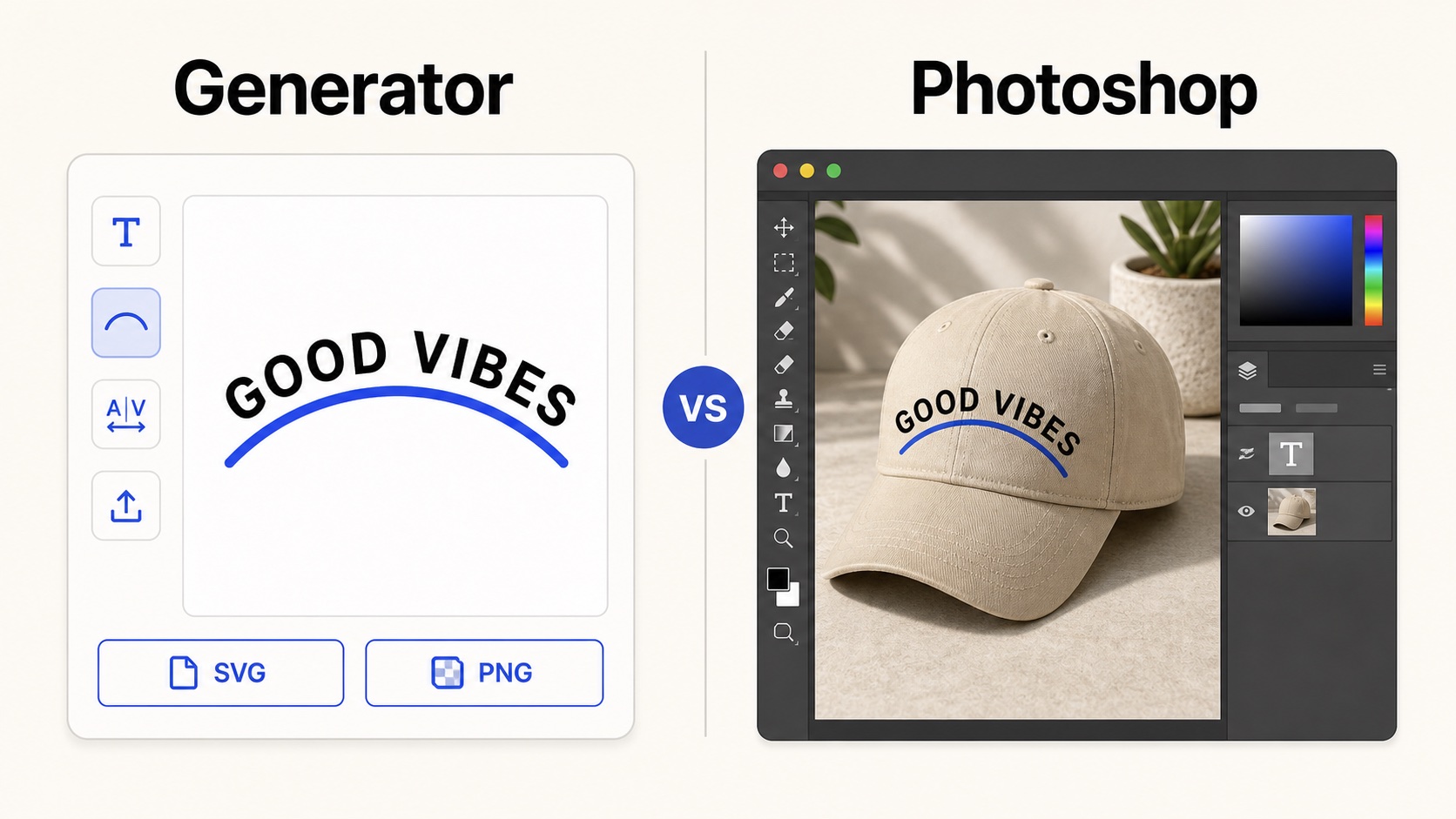
Curve Text Generator vs Photoshop: Curved Text Workflow
Use Photoshop for photo edits, or export clean SVG and PNG curved text before compositing.
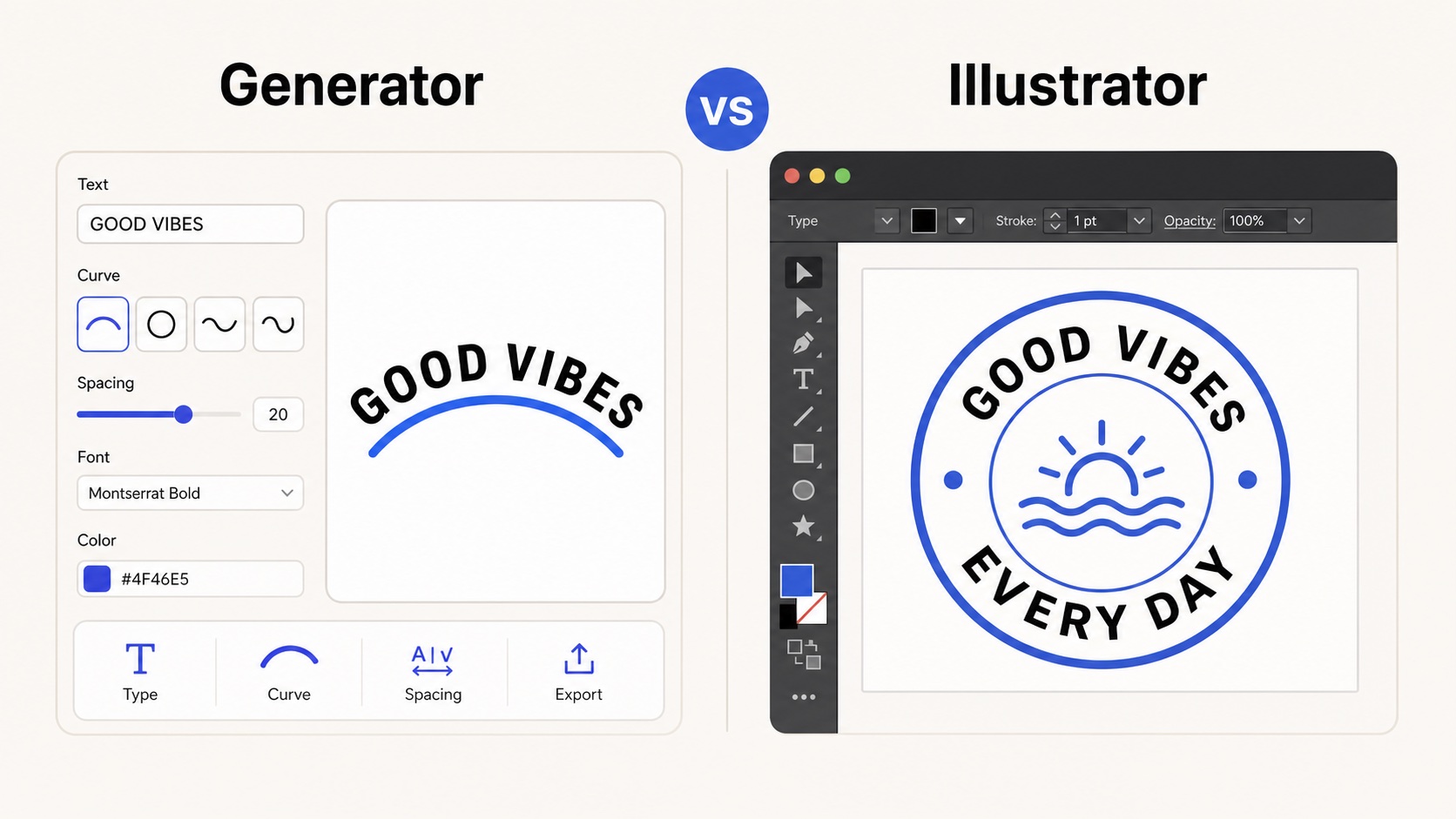
Curve Text Generator vs Illustrator: Text on a Path or Quick SVG?
Compare Illustrator text-on-path workflows with quick SVG export from a focused curved text tool.
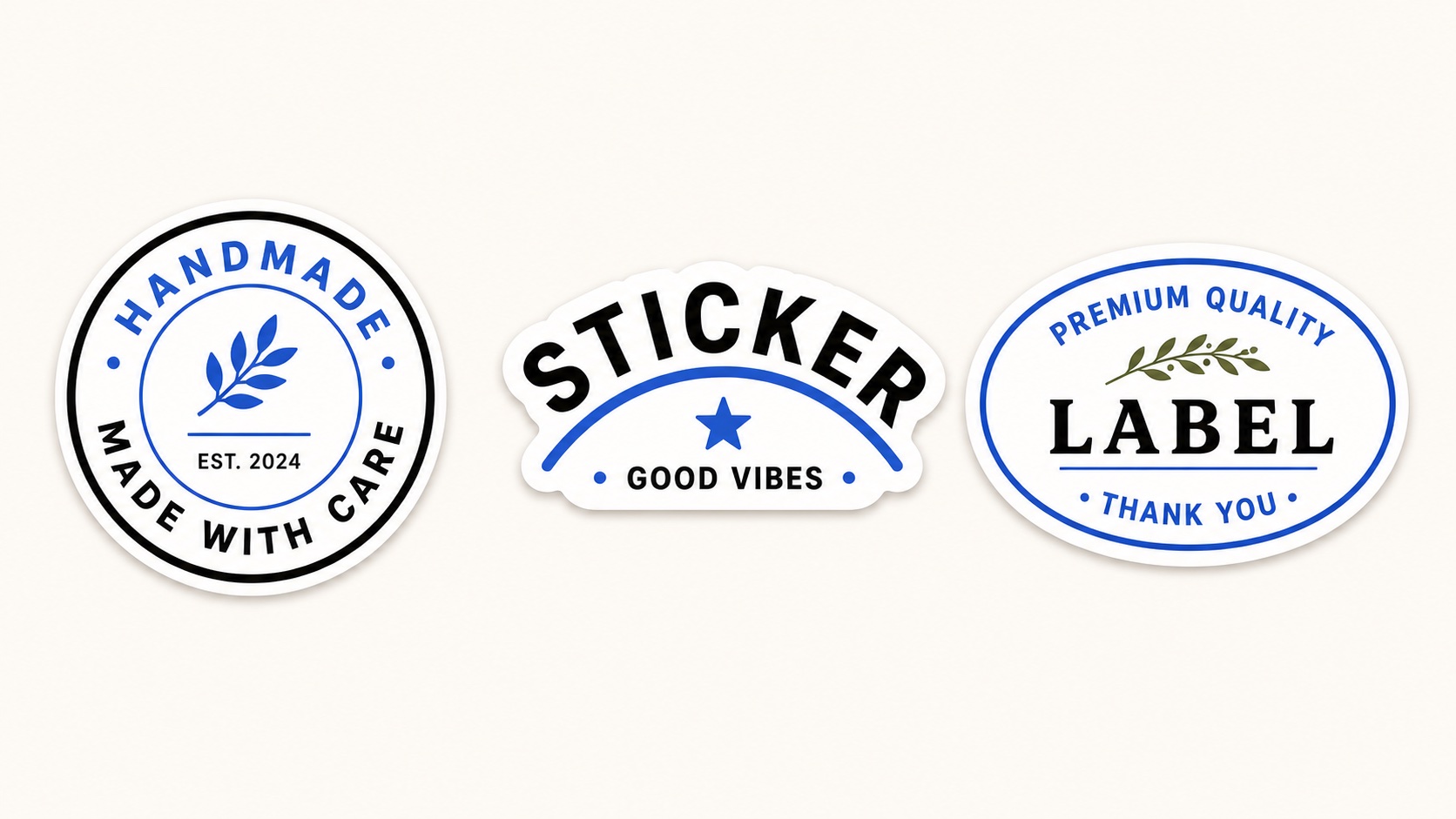
How to Make Curved Text for Stickers and Labels
Design sticker text, product labels, seals, and packaging marks with readable curved lettering.
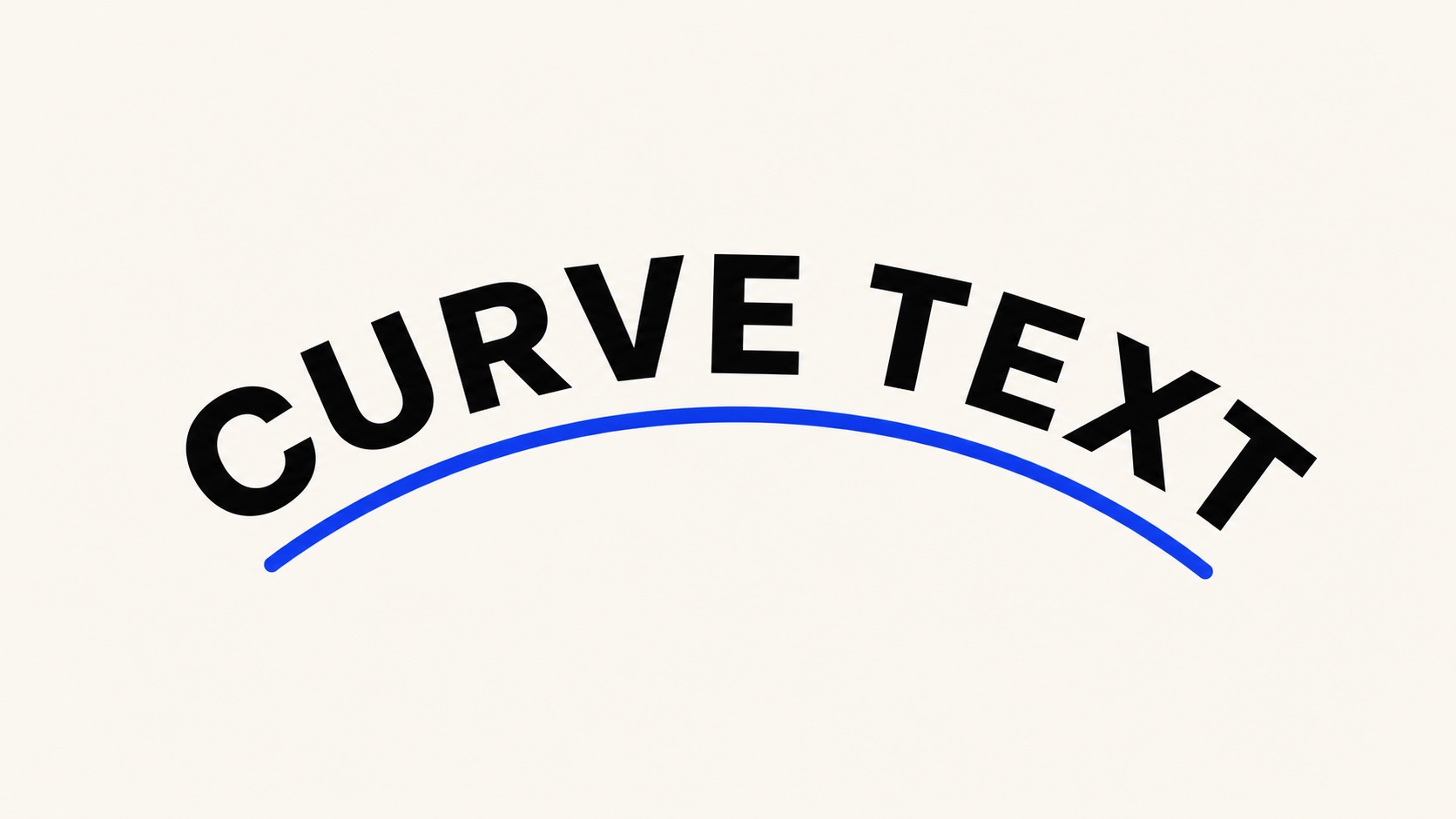
How to Make Curved Text Online for Free
A fast workflow for creating arc, circle, wave, and custom path text without opening heavy design software.
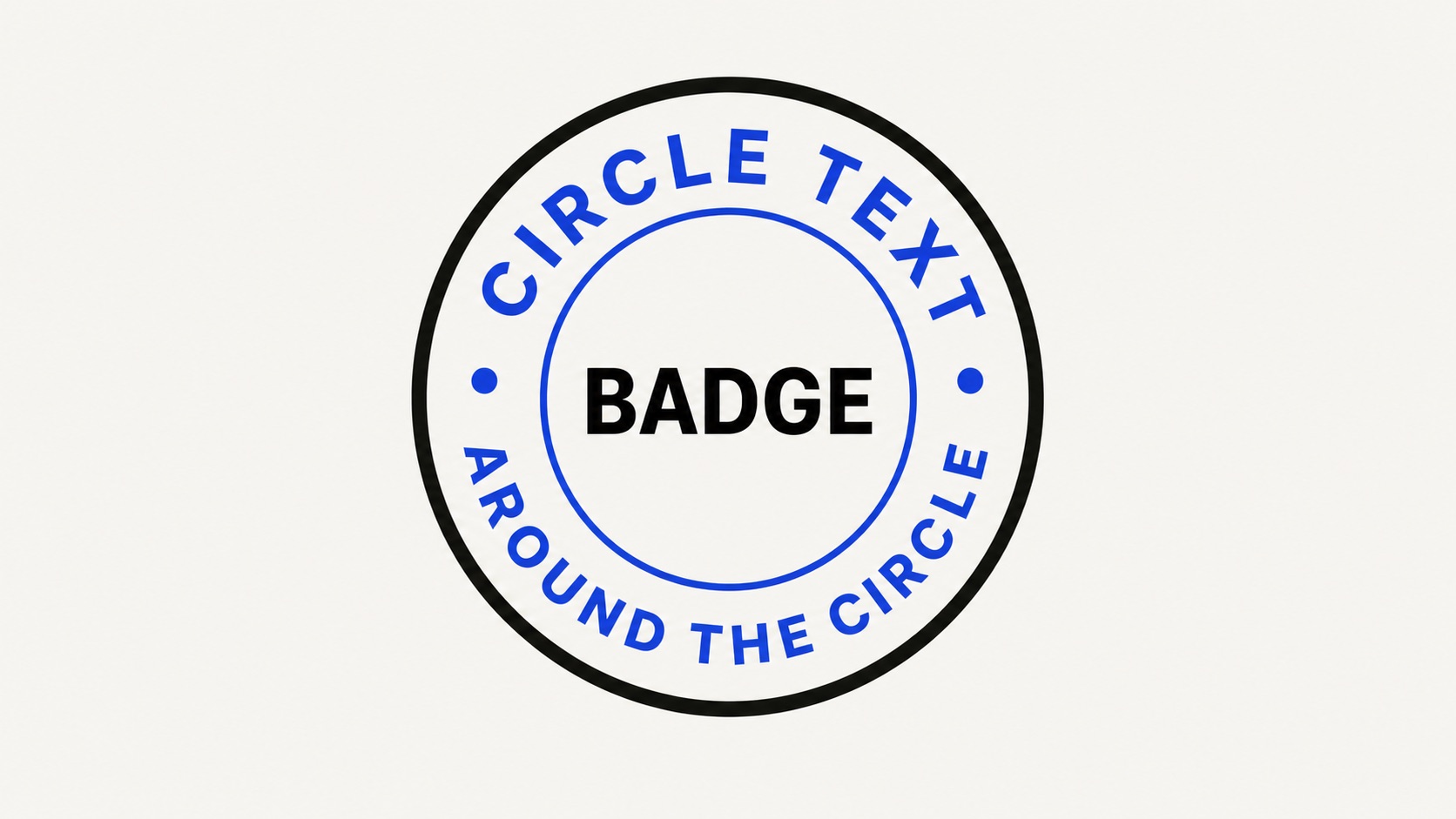
Circle Text Generator: Make Text Around a Circle
Design round logos, badges, labels, and stickers with readable top and bottom circular text.
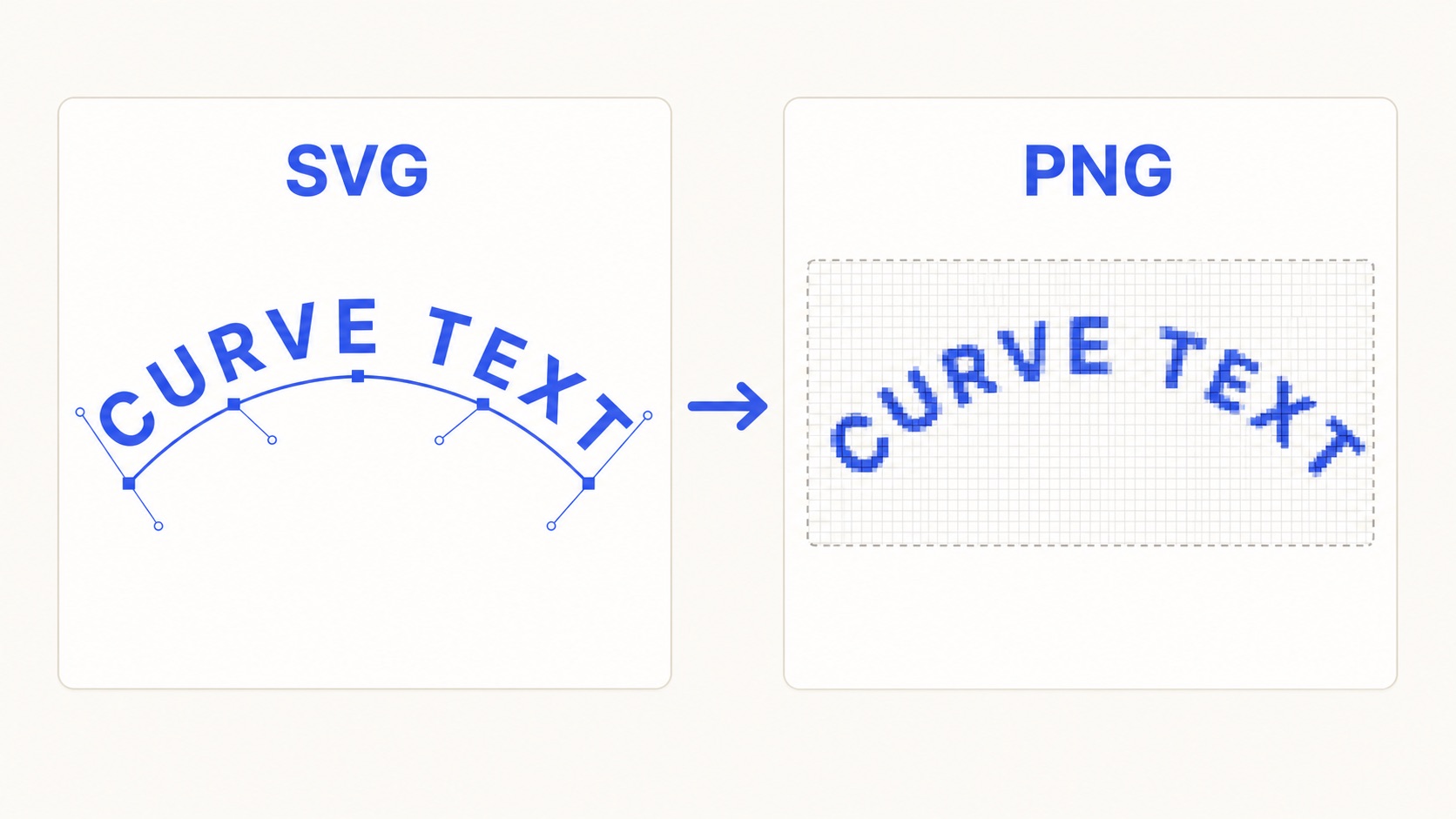
SVG vs PNG for Curved Text
Choose the right export format when you move curved text into Canva, Figma, Cricut, or Illustrator.