Compare
Curve Text Generator vs Illustrator: Text on a Path or Quick SVG?
Illustrator is the stronger choice when you want full vector editing. Curve Text Generator is the faster choice when you only need to create a clean curved text asset and export it as SVG or PNG.
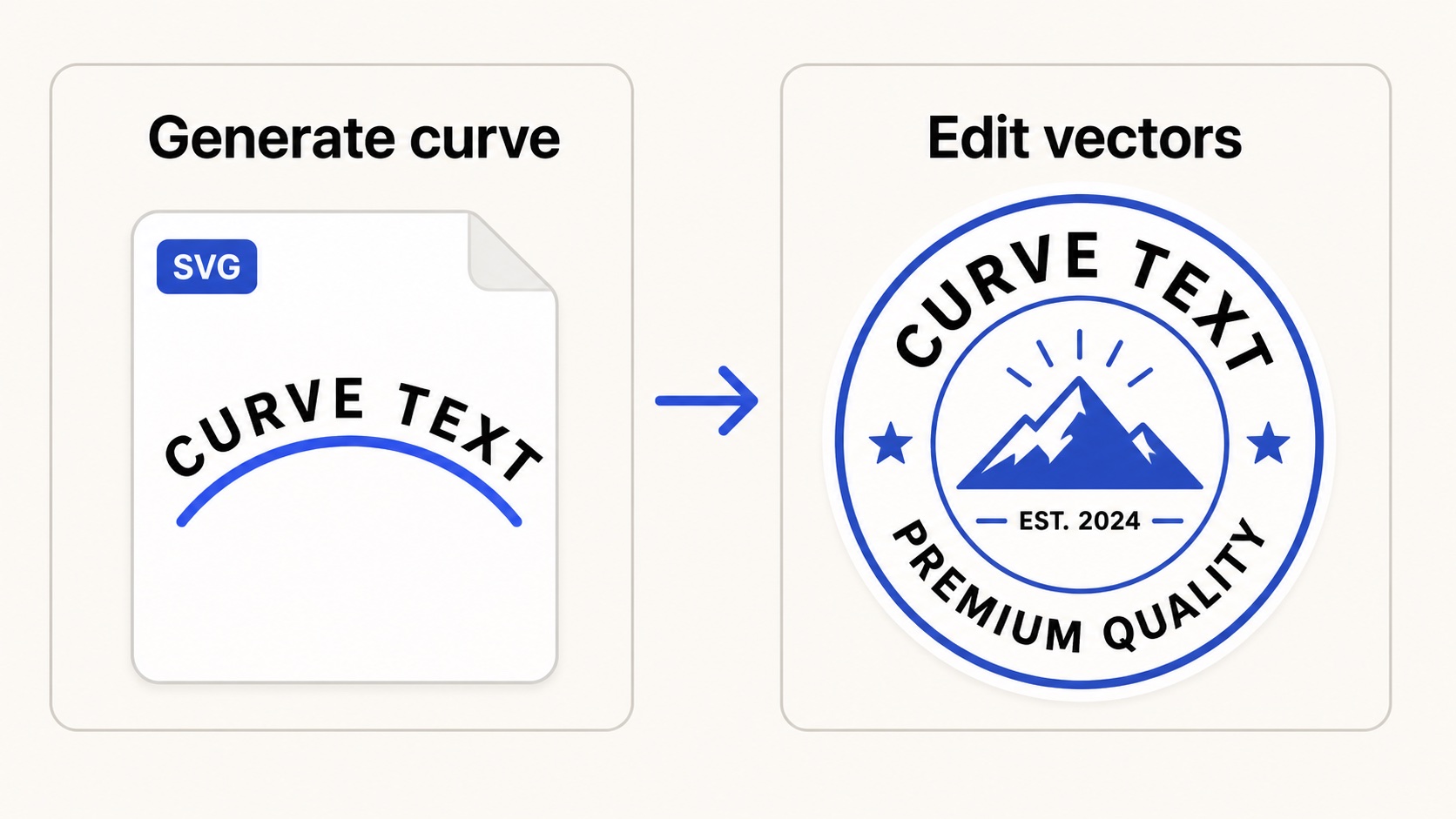
Generate the curve quickly, then use Illustrator when the whole badge needs vector editing.
Quick answer
Use Illustrator when curved text is part of a larger vector illustration, logo system, or print production file. Use our curve text generator when you need a quick arched word, circle text label, wave text, or transparent export without setting up a full Illustrator document.
Illustrator has deep vector tools, including text-on-path workflows. That makes it powerful, but also heavier than necessary for simple curved lettering. A focused generator can be the faster first step before Illustrator.
When Illustrator is the better choice
- You need to edit every vector point, shape, stroke, and path in the final artwork.
- You are building a logo, badge, packaging file, or print-ready vector document.
- You already know the final design will stay in Illustrator.
When the generator is faster
- You only need a curved text file, not a full vector design workspace.
- You want to export a simple SVG quickly and reuse it elsewhere.
- You need a PNG overlay for mockups, slides, product images, or web graphics.
- You want to compare arc, circle, wave, and custom path text quickly.
Recommended workflow
- Make the curved lettering in the generator.
- Export SVG as the editable master file.
- Open or place the SVG in Illustrator when the design needs more vector work.
- Export the final art from Illustrator for print, cutting, or production.
Illustrator is still the right place for advanced vector finishing. The generator simply makes the curved text step faster and easier to reuse.