Tutorial
How to Make Curved Text Online for Free
Curved text is useful when a straight line feels too flat: logos, labels, stickers, badges, thumbnails, product marks, and short decorative headlines all benefit from text that follows a shape. The fastest workflow is to create the text as a clean export, then place it into Canva, Figma, Illustrator, Cricut Design Space, or another editor.
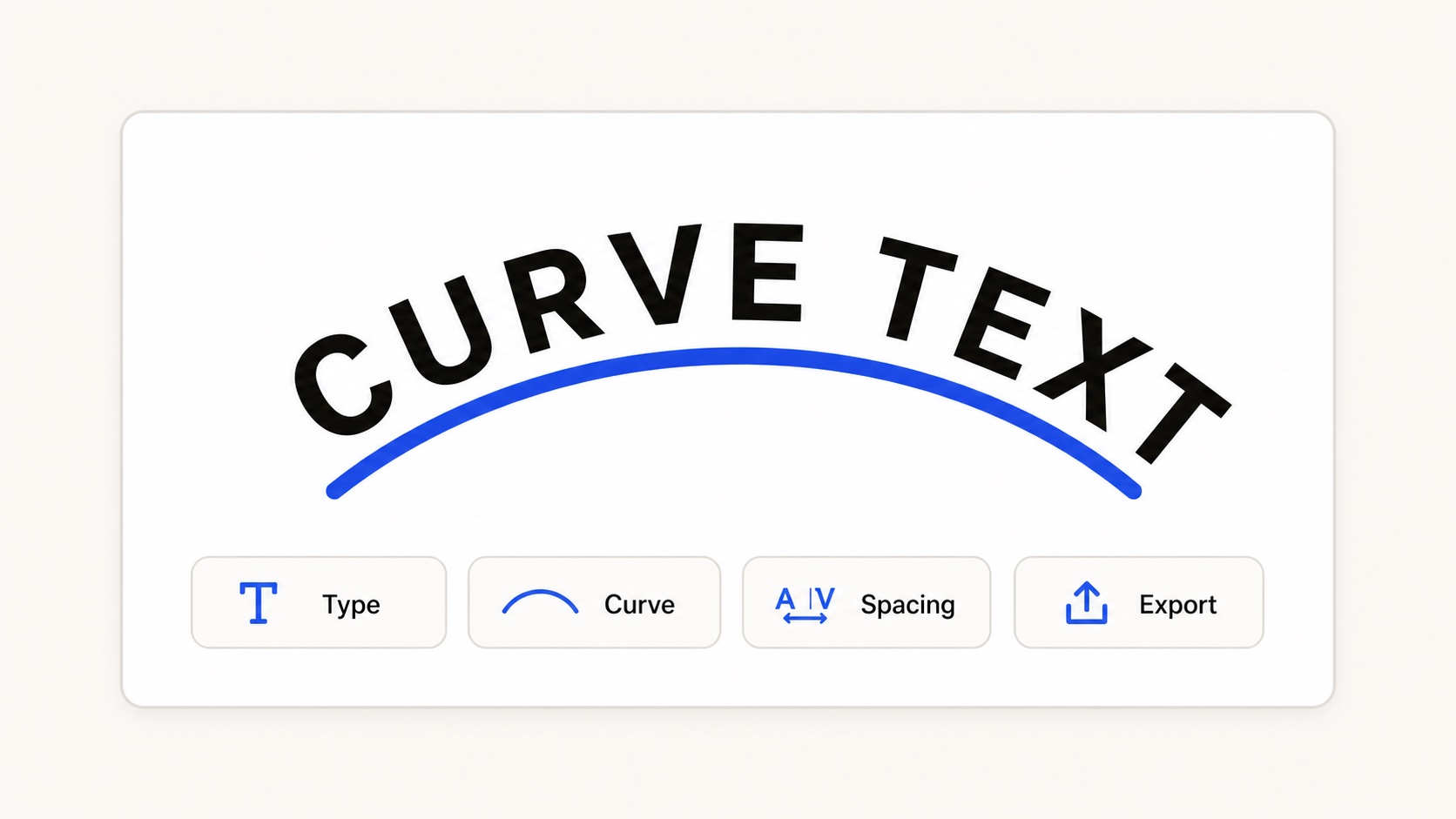
A simple curved text workflow: type words, choose a path, tune spacing, then export.
Start with a short phrase
Curved text works best with short, readable copy. Try a brand name, two or three words, a date, a slogan, or a label. Long sentences usually become hard to scan once they bend around an arc.
Open the Curve Text Generator, click the text field, and replace the sample text. Use uppercase letters for badges and stamps, or title case for friendlier logo marks.
Choose the right path
The path controls the mood of the design. An arc feels like a logo header. A circle works for a badge or seal. A wave feels more playful. A custom path is useful when the text needs to follow a product edge, illustration, or photo shape.
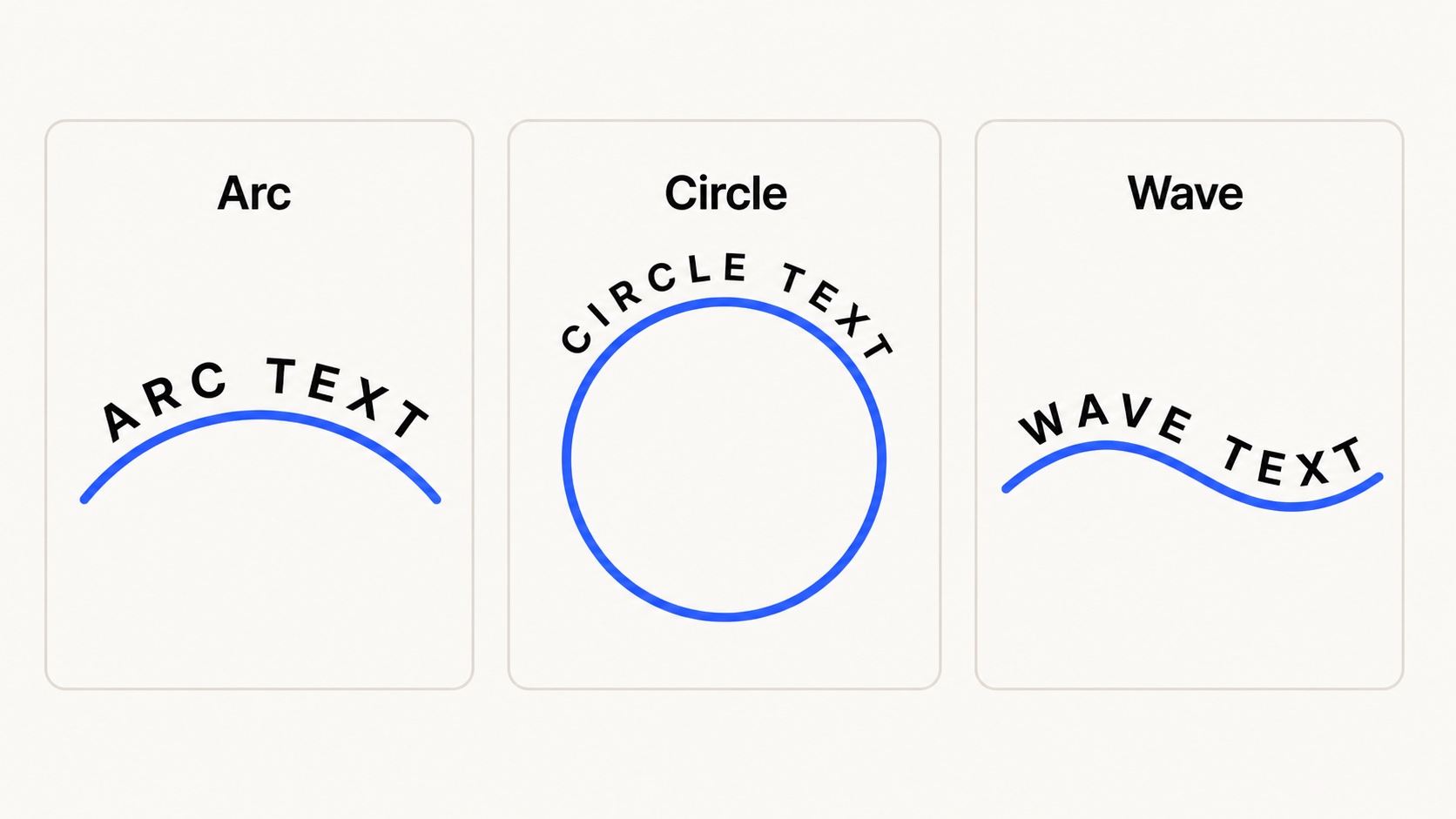
Arc, circle, and wave paths solve different design jobs.
Tune spacing before export
Letter spacing matters more on a curve than on a straight line. If letters feel crowded near the top of the arc, increase spacing slightly. If the phrase becomes too wide, reduce font size before forcing the curve tighter.
- Use larger spacing for uppercase badge text.
- Use smaller spacing for script fonts and lowercase text.
- Keep the path visible while editing, then hide it before export.
Export for the next app
If you need a transparent image for Canva, slides, or a quick mockup, export PNG. If you want to keep the design sharp at any size, export SVG. SVG is also the better choice for Illustrator, Figma, Cricut workflows, and other vector editing tools.
Practical default: export SVG when you plan to keep editing or cutting the design. Export PNG when you only need to place the finished curved text on top of another design.
Quick checklist
- Keep the phrase short.
- Pick an arc, circle, wave, or custom path.
- Adjust font size before making the curve extreme.
- Use spacing to improve readability.
- Export SVG for vectors or PNG for transparent image placement.